No. An S-video cable carries the picture, not the sound. When using it to watch or capture an old tape, you also need a compatible audio connection. A picture appearing on the screen does not prove that the sound is reaching the television or being recorded by the capture setup.
Which connections carry the picture and sound?
In a common analogue arrangement:
- S-video carries the video signal.
- Red and white audio plugs carry the separate sound connections.
- A yellow composite-video plug is another picture connection, not an audio connection.
Sony explicitly notes that an S-video connection to a television still requires the audio connection. The Canadian Conservation Institute describes the same separation in its VHS digitisation guidance.
This is a common arrangement, not a wiring diagram for every camcorder. Some models use a dedicated A/V lead or adaptor. Check the manual for the exact camera, player and receiving device before choosing cables.
Why can I see the video but hear nothing?
If only the S-video lead is connected, the picture has a route but the sound does not. That is a connection issue to investigate, not proof that the family recording was silent.
For a television connection, Sony’s checks include secure cable connections, mute and volume settings, headphone connections and any required camcorder output setting.
For a computer capture, also consult the capture device’s instructions for its audio inputs and the software’s audio-source selection. Hearing something from the camcorder’s own speaker is not a substitute for checking the saved file.
What should I check before recording a whole tape?
If the tape and playback equipment are already known to be suitable for use:
- Identify the player’s outputs and the receiving device’s inputs from their labels and manuals.
- Check the separate audio path as well as the picture connection.
- Make a short test using a section you know contains sound.
- Open the saved test outside the capture preview and listen to it.
- Keep notes of the equipment and settings before starting the full transfer.
Avoid repeatedly playing a suspect cassette just to troubleshoot cables. If it is damaged, damp, mouldy or stuck, stop and seek advice before further playback.
Does S-video convert the tape into a digital file?
No. It is a connection carrying an analogue picture signal. A working capture setup still needs suitable playback, audio capture and recording software or hardware. Do not confuse seeing the picture with having saved a complete video.
Our digital-copy checking guide covers picture, sound and completeness after transfer.
Can Rewind Digital handle the conversion instead?
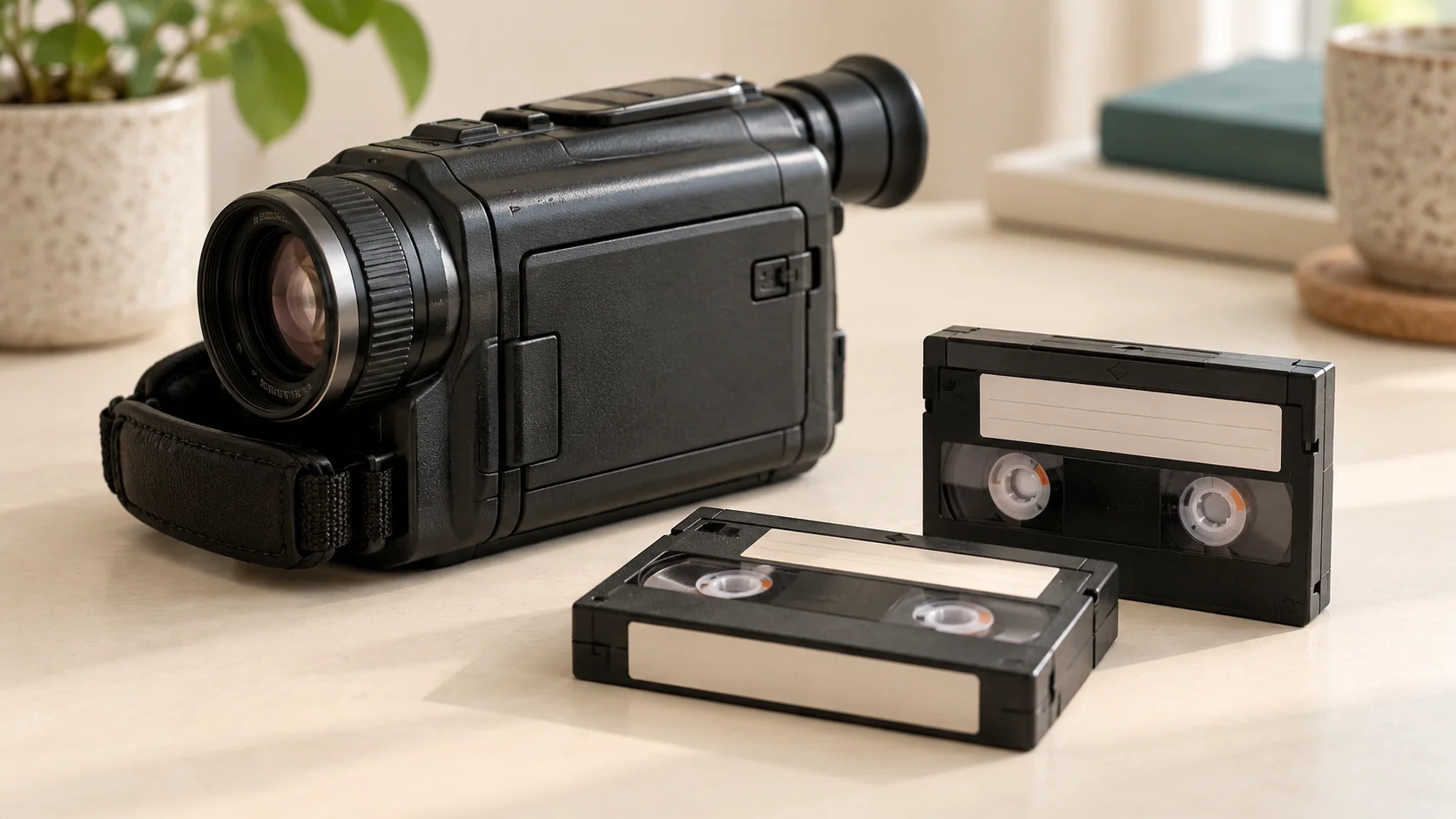
See our Hi8-to-digital service for supported camcorder tapes. We also offer VHS, VHS-C and MiniDV conversion. Tell us the exact format and any known sound or playback problem; this guide does not promise equipment repairs or recovery of missing audio.
Rewind Digital is based in Tadcaster, with local drop-off and return of originals by appointment, and download or optional USB delivery. See current prices, then build an estimate and send a request. The final quote is agreed before work starts; the form does not take online payment.