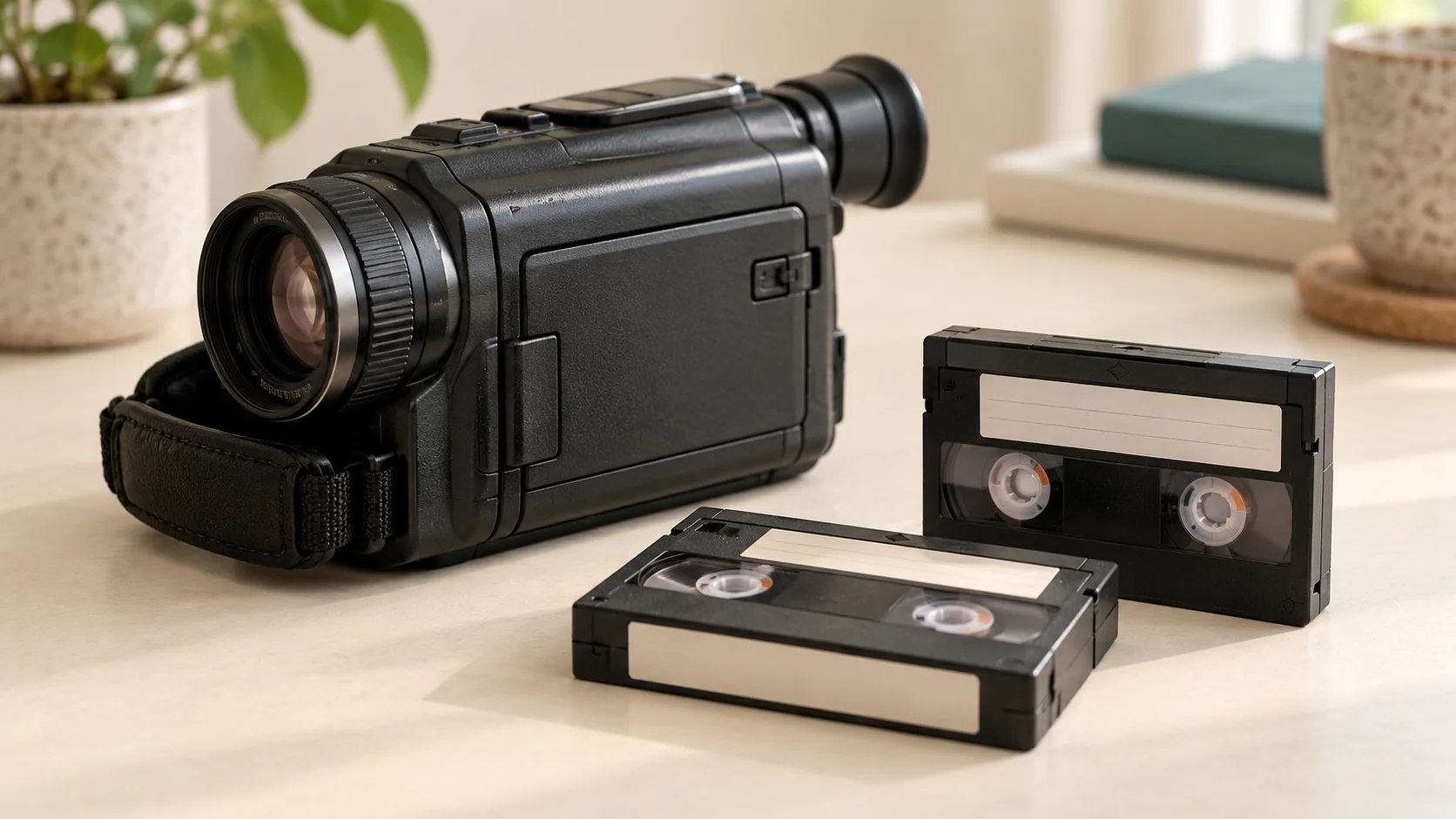
Keep your converted family videos in more than one place, and check that the backup copies actually open. A single download or USB is not a complete backup plan. Start with a copy on your computer, another on separate storage and, where practical, an additional copy kept elsewhere.
What should I do when I receive my digital copies?
Download the files to a folder you can find again, rather than relying on a delivery link as permanent storage. For a USB delivery, keep the supplied files and copy them to another suitable device.
Before organising anything, open each video and check the picture and sound. Note the file names and compare them with your tape inventory. If something seems missing or unclear, ask about it while the transfer details are still to hand.
Keep the delivered version unchanged. Make a separate working copy if you want to edit a holiday montage or shorter family highlights.
Where should I put the backups?
The Library of Congress recommends separate copies and locations. A practical arrangement could be:
- a main copy on your computer;
- a backup on an external drive; and
- a further copy in a suitable cloud account or on storage kept safely elsewhere.
Choose locations you can access and maintain. Start with storage you already have, checking its available capacity before copying. Two folders on the same drive will not protect you if that drive fails.
For a removable backup, finish copying, safely eject it and disconnect it when it is not in use. The UK National Cyber Security Centre explains that malware can also affect attached storage.
How do I know the backup worked?
Do not rely only on a “copy complete” message. Open a video directly from the backup location and check that it plays with sound. For a cloud copy, wait for the upload to finish and test that you can retrieve a file.
Compare the folder contents with your original download or USB. Keep a short note of where the copies are stored and when you last checked them, so another family member could find them if needed.
How often should I check the files?
The Library of Congress’s personal video archiving guidance recommends testing saved videos at least once a year and making fresh media copies around every five years, or sooner when needed.
Also check after changing computers, replacing a drive or moving cloud accounts. Use clear names such as “1998-summer-holiday-tape-01”, but do not invent dates you cannot confirm. Store any known names, events and original tape labels in a simple accompanying note.
What if my videos are still on tape?
Rewind Digital provides VHS and VHS-C conversion, alongside MiniDV and Hi8 transfers, with local handover by appointment in Tadcaster. Digital download is included and USB is optional; your original tapes are returned.
Read how handover and delivery work or build an estimate and send a request. Format, condition, availability and the final quote are confirmed before work starts. Once you receive the files, keep your own checked backups.