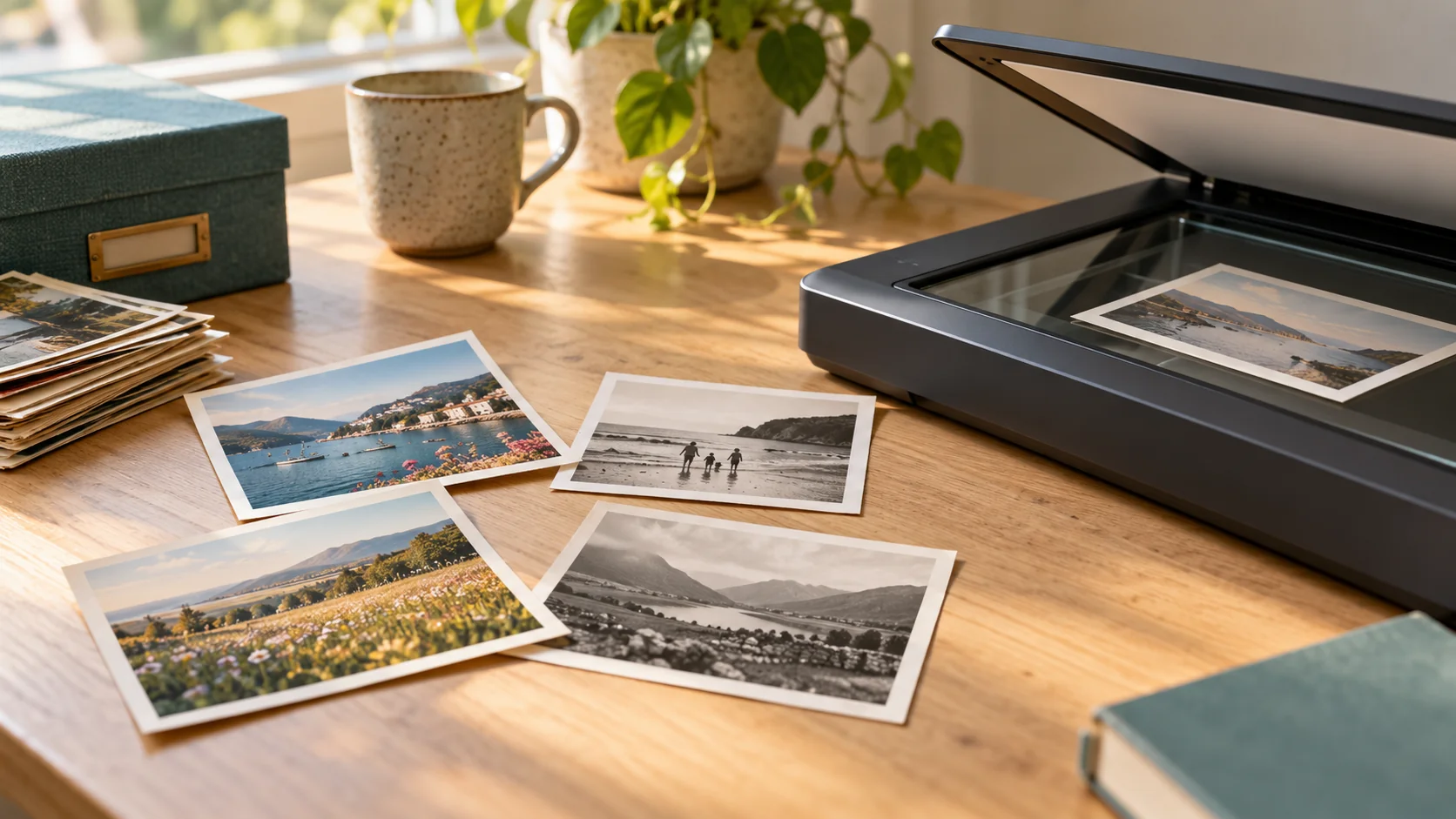
Colour scanning can preserve the warm, sepia or other visible tones in an old photograph, even when the picture is described as “black and white”. Grayscale can be suitable for a neutral black-and-white image, but a scanner’s two-tone “black and white” mode is a different setting and can discard photographic shading. Decide what you want to preserve before choosing the mode.
Are grayscale and black-and-white scan modes the same?
Not necessarily. Check the scanner’s manual rather than relying only on a menu label.
| Mode | What it represents | Why it matters | |---|---|---| | Bitonal or 1-bit black and white | Only black or white | Can lose the intermediate shades that describe faces and clothing | | Grayscale | Multiple shades between black and white | Retains tonal transitions, but not colour | | Colour | Colour as well as brightness differences | Can retain sepia tones, tinting or coloured details |
The University of Michigan’s Bentley Historical Library explains this distinction and warns that bitonal scanning does not capture the shading found in photographs. An image containing no bright colours is not automatically suitable for a text-style scan.
Why do scanning guides give different recommendations?
They may be written for different purposes.
The Library of Congress’s personal-scanning guidance suggests grayscale for routine black-and-white photo scanning. Bentley’s archival guidance recommends 24-bit colour for photographs, including black-and-white and sepia prints.
These are not identical workflows. Rather than treating either as a universal rule, ask whether your aim is a convenient viewing copy or a record of the print’s present appearance, including subtle colour.
For example, converting a brown-toned portrait to grayscale may suit a particular presentation, but it changes how that print looks. If its warmth matters to the family, explain that before scanning.
Does colour scanning restore a faded photograph?
No—not by itself. Capturing the print in colour and altering its appearance are separate decisions.
A colour scan is not the same as adding invented colours to a monochrome picture. Equally, it does not promise repaired scratches, restored faces or recovered missing detail. Bentley’s guidance favours copying archival material as it is rather than automatically enhancing it.
Keep an unchanged scan and make any later grayscale or presentation edits on a separate working copy. The Library of Congress also recommends separating master and working versions when editing photographs.
What should I check in a preview?
Compare the scan with the actual print. Look at:
- Shading in faces, hair and clothing.
- Pale details and dark areas that should remain distinguishable.
- Any warm tone, hand-colouring or coloured annotation you want retained.
- Whether automatic settings have noticeably changed the appearance.
A preview helps you explain preferences; it does not establish colour accuracy on an uncalibrated screen. If you want an enlargement too, mention its intended size separately—colour mode does not settle the resolution question.
What should I ask Rewind Digital?
Our confirmed photo-scanning service covers loose printed photographs. Describe any sepia, tinted or hand-coloured prints and discuss scan settings and delivery requirements before work. Do not assume a particular colour depth or file format is included without confirmation. Restoration, albums, slides and negatives need separate discussion.
Check current prices and request an estimate. Local drop-off and return of originals are by appointment in Tadcaster. The form saves a request, not an online payment; suitability, availability and the final quote are agreed before scanning.