Not if it is a display-only converter. A VHS-to-HDMI box may let a suitable player show its picture and sound on an HDMI television, but that alone does not save a video file. To keep a digital copy, you also need a recording or capture function and somewhere for the resulting file to be stored.
What does a display converter actually do?
It changes a video signal into a form that another device can display.
For example, StarTech’s VID2HDCON manual describes connecting a composite or S-Video source to an HDMI monitor or television. Its setup ends with sending the signal to that display—not creating a recording on a computer.
The distinction is between a **digital signal** and a **saved digital file**. Seeing the family video on a modern screen does not mean a copy has been made.
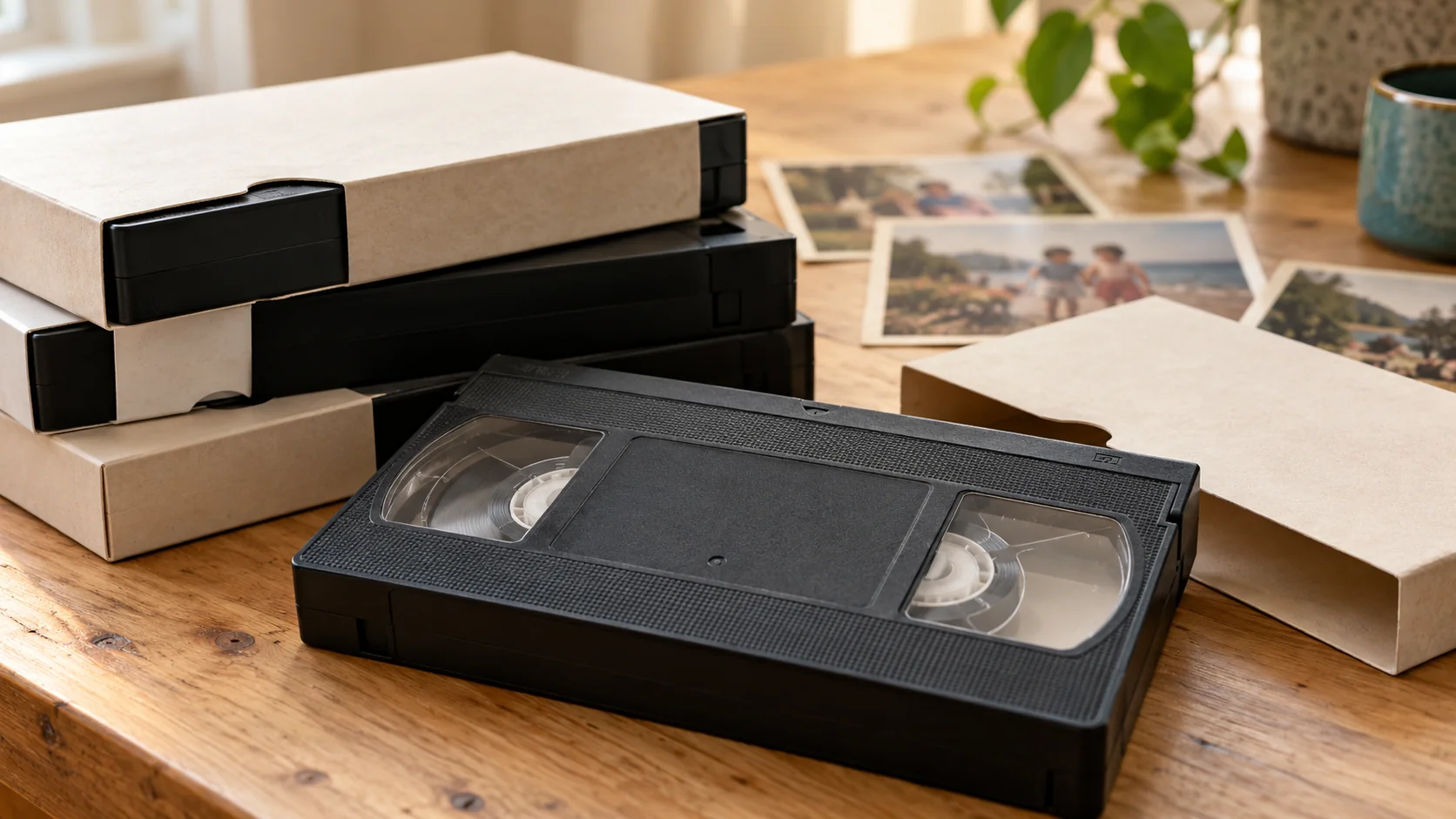
A converter also does not replace the VHS player: the tape still needs suitable, working playback equipment.
How is video capture different?
A capture setup receives the playback signal and records it into a file.
Elgato’s Video Capture manual gives one example: its hardware connects to the computer, its application receives composite or S-Video and audio, and recording must be started. The application then saves the captured movie to a folder.
That particular device has no HDMI input, which illustrates why the names and connectors matter. You cannot assume every product described as a “video converter” accepts the same signal or does the same job.
These manufacturer examples explain the distinction; they are not purchase recommendations or a statement about Rewind Digital’s equipment.
What should I check before connecting anything?
Read the exact model’s manual and answer four questions:
- **What goes in?** Check the player’s outputs against the device’s supported inputs.
- **What comes out?** An HDMI output for a television is different from a documented capture connection to a computer.
- **How does recording start?** Look for an explicit recording function, required application or recording controls.
- **Where is the file saved?** Confirm the storage destination and how you retrieve the recording.
Check the supported television standard and current computer/software requirements too. Do not treat a connector that physically fits as proof of compatibility.
If the instructions only describe connecting to a television or monitor, do not assume there is an undocumented recording feature.
Can I still use HDMI as part of a recording setup?
Potentially, where separate compatible capture equipment explicitly accepts that HDMI signal. But the complete chain needs checking; adding boxes does not automatically make a working transfer system.
Before recording an entire tape, test a short section with both picture and sound, then open the saved file. For the broader process, see our guide to converting VHS at home. Do not test-play a tape with suspect condition simply to check an adaptor.
What if I would rather arrange a local transfer?
Rewind Digital offers VHS-to-digital conversion in Tadcaster, with drop-off and return of originals by appointment. Delivery is by download or optional USB.
Check current prices and request an estimate. The form saves a request, not an online payment. Format, recording length, condition, availability and the final quote are confirmed before work starts.