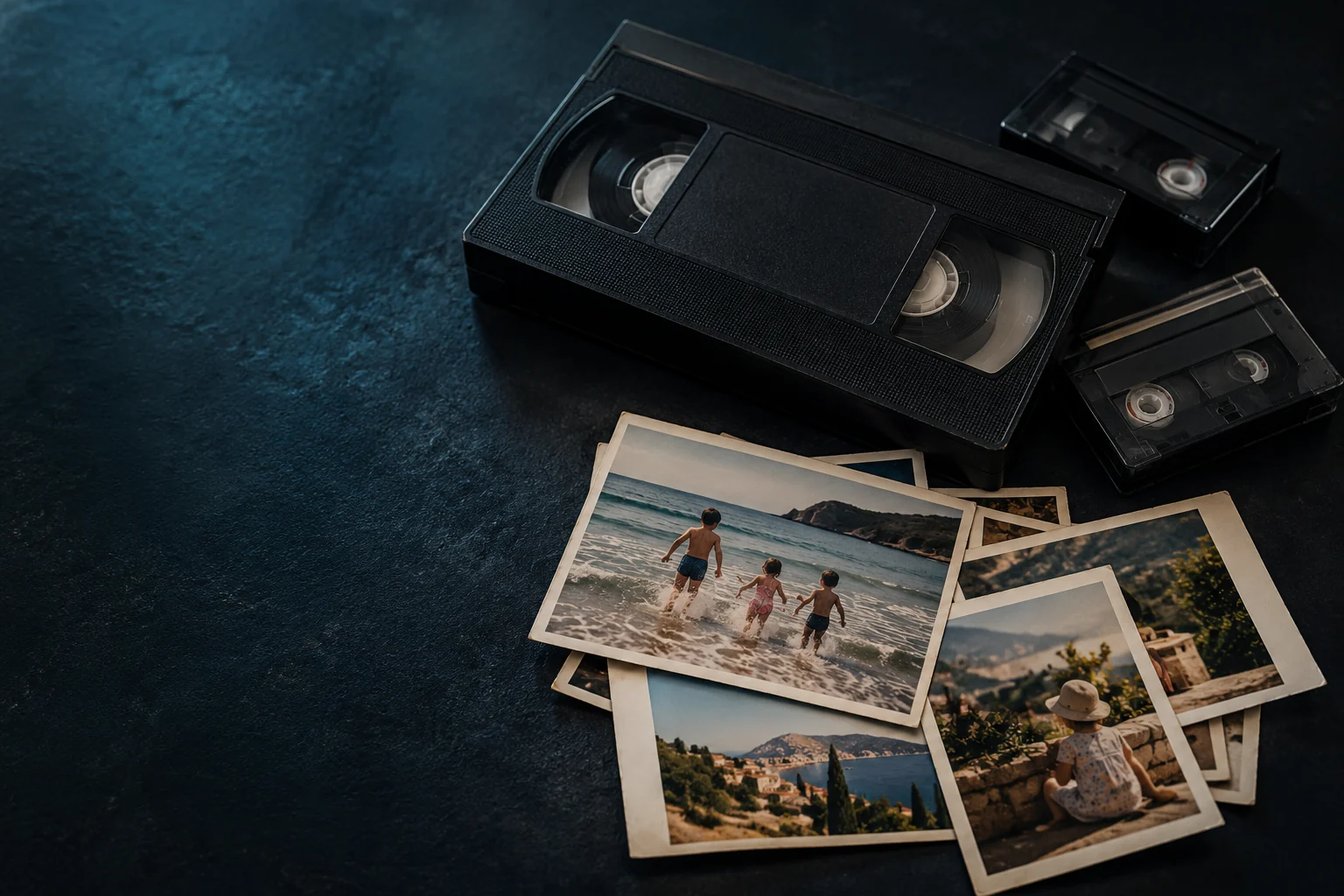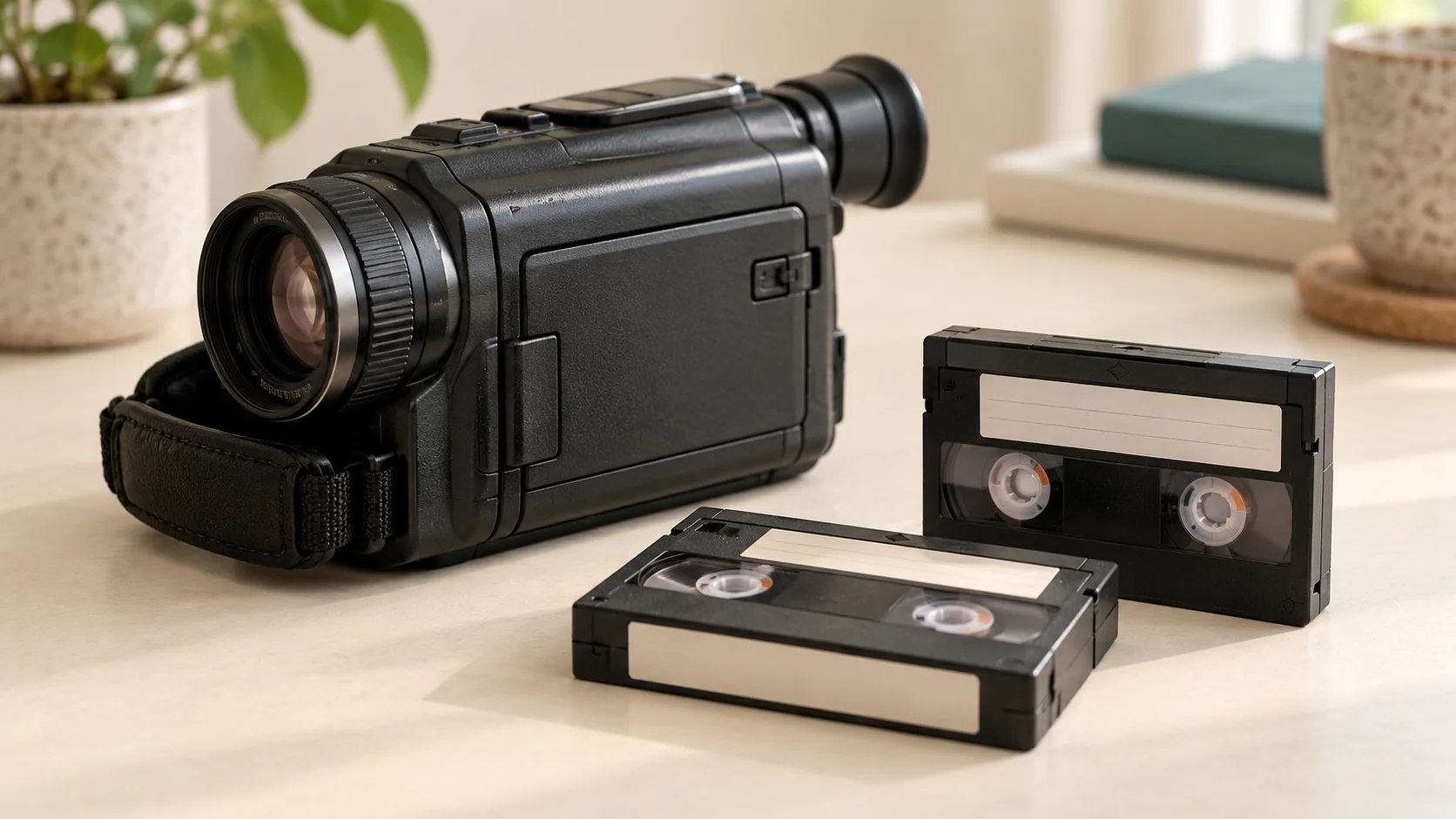
You can watch old camcorder recordings without owning the original camera, but the tape still needs compatible playback equipment somewhere in the process. You can arrange a digital transfer, borrow a suitable working player or use another compatible camcorder. A small cassette is not automatically playable in a VHS machine.
Which kind of camcorder tape do I have?
Look for the format name on the cassette and its case before choosing equipment. Keep any handwritten labels and note the original camcorder model if you know it.
- **VHS-C**, often called mini VHS, is compact VHS.
- **MiniDV** is a different camcorder format, not another name for VHS-C.
- **Hi8** is an 8mm recording format, including recordings made with Sony Hi8 cameras.
If the markings say Digital8, Video8 or HDV, mention them rather than assuming they belong in one of those groups. Our tape-identification guide helps you make a useful first list.
Can I use a VHS cassette adaptor?
Only certain tapes can take that route. Sony’s guidance explains that an 8mm cassette cannot be made playable in a standard VHS recorder with a cassette adaptor: the recording formats are different. The VHS adaptors it describes are for VHS-C tapes.
For a VHS-C recording, a suitable adaptor and compatible working VHS player may provide a playback route. Check their instructions and condition first. This is not a solution for MiniDV or Hi8, even if an online listing describes an adaptor simply as suitable for “camcorder tapes”.
What are my options if the camera is missing?
**Arrange a transfer.** Give the service the format markings, number of tapes and any known playback problems. Once supported recordings have been converted, you can watch the digital copies without repeatedly setting up tape equipment.
**Borrow compatible equipment.** Check the exact model’s operating instructions, rather than relying on a brand name or a cassette fitting the compartment. Sony’s compatibility guide distinguishes MiniDV, Hi8 and Digital8 playback; not every Digital8 model supports analogue Hi8 recordings.
**Find another player or camcorder.** Confirm compatibility and working condition before spending money. A listing saying “powers on” does not establish that it plays your recording correctly. The US National Archives warns against risking tapes in equipment of questionable condition.
If a cassette looks damaged or deteriorated, stop and discuss it before attempting playback. A routine transfer is not a guarantee of repair or recovery.
Can Rewind Digital help without my original camcorder?
Yes: you can request a format check and quote without owning the camera. Rewind Digital offers Hi8 conversion, MiniDV conversion and VHS-C conversion alongside VHS in Tadcaster. Compatibility and condition are confirmed before work is agreed.
Digital8, Video8 and HDV require separate confirmation and are not advertised as standard services. Drop-off and collection of your originals are by appointment, with download delivery included and USB optional.
Build your estimate and send a request, adding any uncertainty about the format in your notes. We confirm availability, the final quote and handover before work starts. After receiving your files, keep a separate backup using our family-video backup checklist.