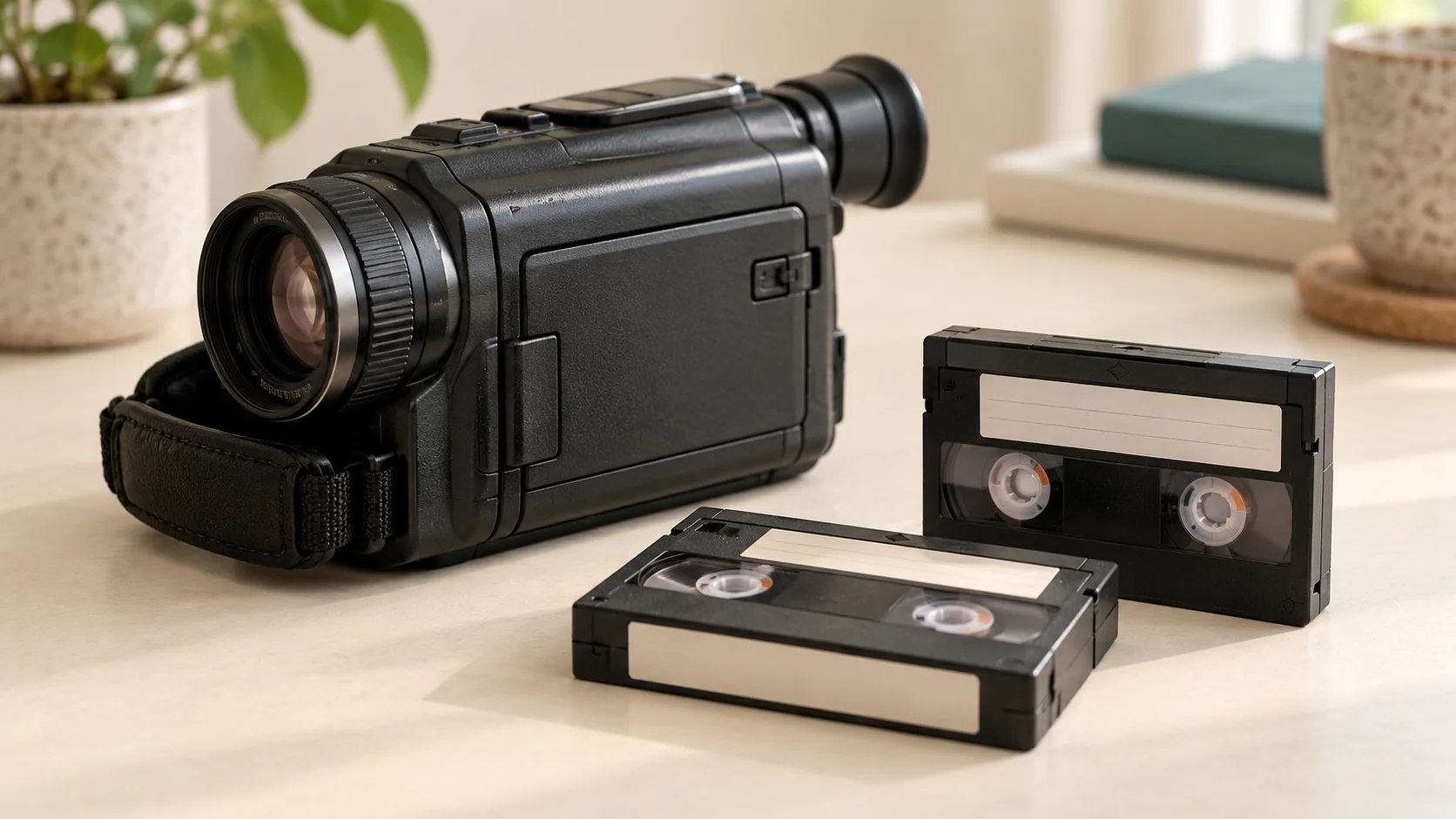
To convert Sony Hi8 tapes to digital, their recordings need to be played on compatible equipment and captured as digital video files. You can use a suitable home capture setup or a transfer service. You do not need to own your original camcorder to ask Rewind Digital about a local Hi8 transfer in Tadcaster.
How do I check whether my Sony tapes are Hi8?
Start with the cassette and case. Look for a Hi8 marking, then note the camcorder model if you still have it or can find its manual. A Sony or Handycam name alone is not enough to confirm the recording format. Include any uncertainty in your transfer request rather than guessing from the size or colour of the cassette.
If the labels say Video8, Digital8 or something else, ask us to check before booking. Those formats are not advertised as part of our standard Hi8 service. Our tape identification guide explains how to separate VHS-C, MiniDV and Hi8 enquiries.
Can I transfer Hi8 videos to a computer myself?
A home transfer generally needs a compatible working tape player or camcorder, an appropriate analogue video capture device, the required audio and video connections, a computer and supported capture software. The recording must play correctly before it can be captured.
Sony’s support information distinguishes analogue Hi8 capture from simply importing a digital file. Elgato’s capture documentation also describes recording from camcorders with composite or S-Video outputs. Check the documentation for your actual camera and capture device: do not assume a generic USB cable can read a tape or that old software instructions apply to a current computer.
What if the camcorder is missing or no longer works?
You can still request a transfer by providing the cassette markings and quantities. We check format, condition and compatibility before agreeing the job and handover. Tell us if a cassette case is broken, the recording has previously failed to play or anything looks unusual. Repairs and specialist recovery need a separate discussion; a routine conversion is not a promise that every damaged recording can be recovered.
Should I choose download or USB?
Download gives you digital files to save on your own devices. An optional USB provides a physical copy, but check the intended viewing device before choosing it. A television with a USB socket may only support certain file formats or storage devices.
Tell us whether you mainly want to watch on a computer, phone or TV. Delivery details and playback requirements are confirmed before work starts. Keep a separate backup of your digital copies and retain the original tapes.
How do I arrange Hi8 conversion near Tadcaster?
Count your Hi8 tapes and add any VHS, VHS-C, MiniDV tapes or loose printed photographs you want included. Build your estimate or see the current prices to compare the media quantities and delivery choice.
Rewind Digital is based in Tadcaster, with local drop-off and return of originals by appointment. If you are travelling from Wetherby, Boston Spa, York or a nearby village, wait for the agreed handover details. Submitting the website form saves a request; we confirm the format, condition, availability and final quote before work begins.
Further reading
Sony: notes on analogue Hi8 capture within its tape transfer guidance