You can watch old VHS recordings without owning a VCR by having the tapes converted into digital video files. A compatible tape player is still needed during the transfer, but afterwards you watch the files on a suitable computer, phone or television. If you are near Tadcaster, you can request a local VHS transfer and arrange a handover by appointment.
Can I plug a VHS tape straight into a computer?
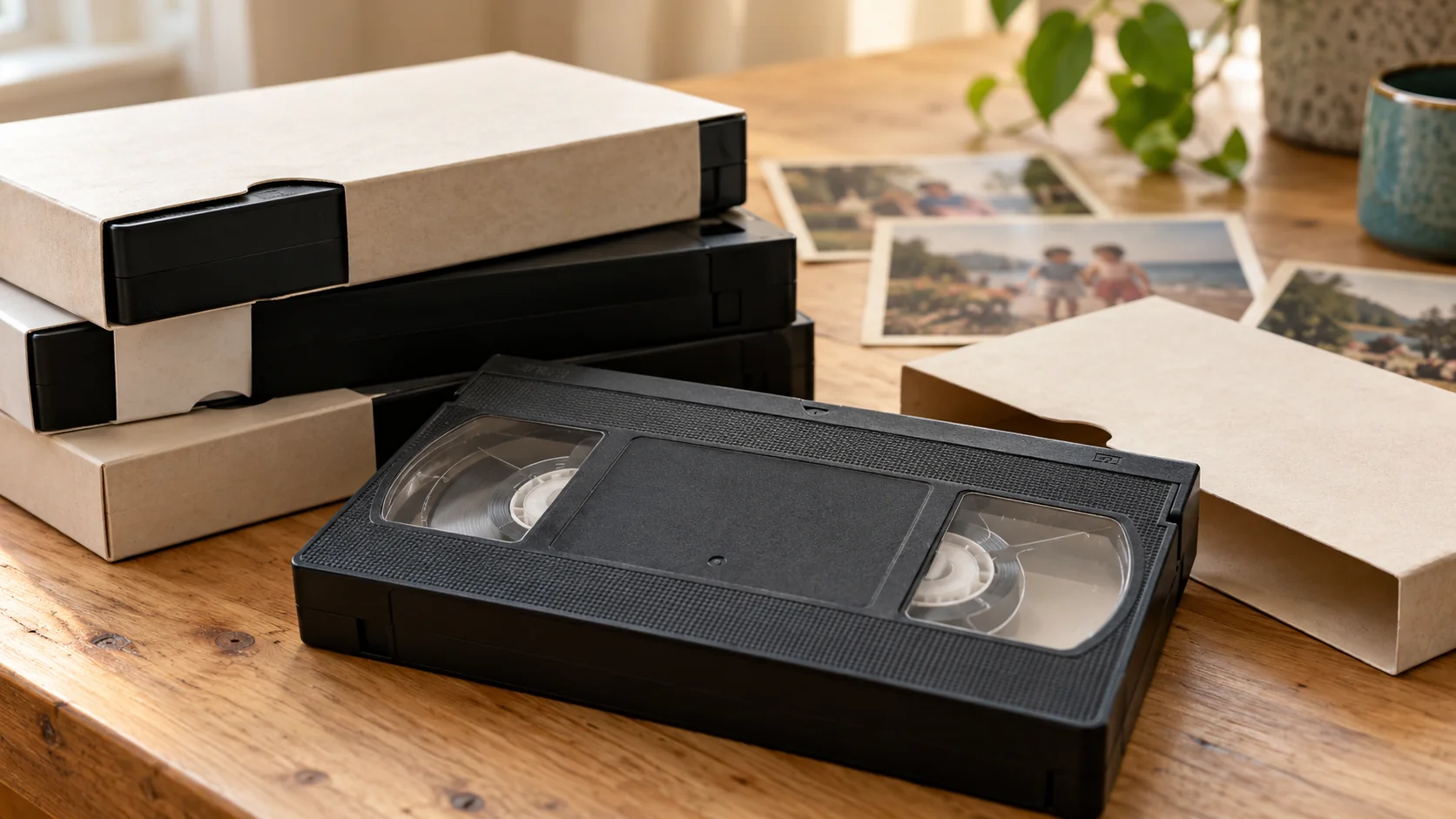
A VHS cassette contains magnetic tape, rather than a file your computer can open. It needs compatible playback equipment to read the recording. A cable or USB adapter alone cannot read the cassette. This is the distinction to check before buying a product described as a VHS converter.
For a home transfer, the usual setup is a working VCR, a compatible analogue video capture device, the appropriate video and audio connections, a computer and capture software. Manufacturer instructions should confirm which connections, operating systems and software the particular device supports. Elgato’s video capture documentation, for example, describes recording from a VCR using composite or S-Video outputs.
What if I no longer have the video player?
You can borrow suitable working equipment or use a transfer service that checks your tapes and handles playback. Compare the equipment, time and setup needed for a DIY transfer with the cost of having your own batch converted. A box of tapes can contain several formats, so check their labels before choosing a route.
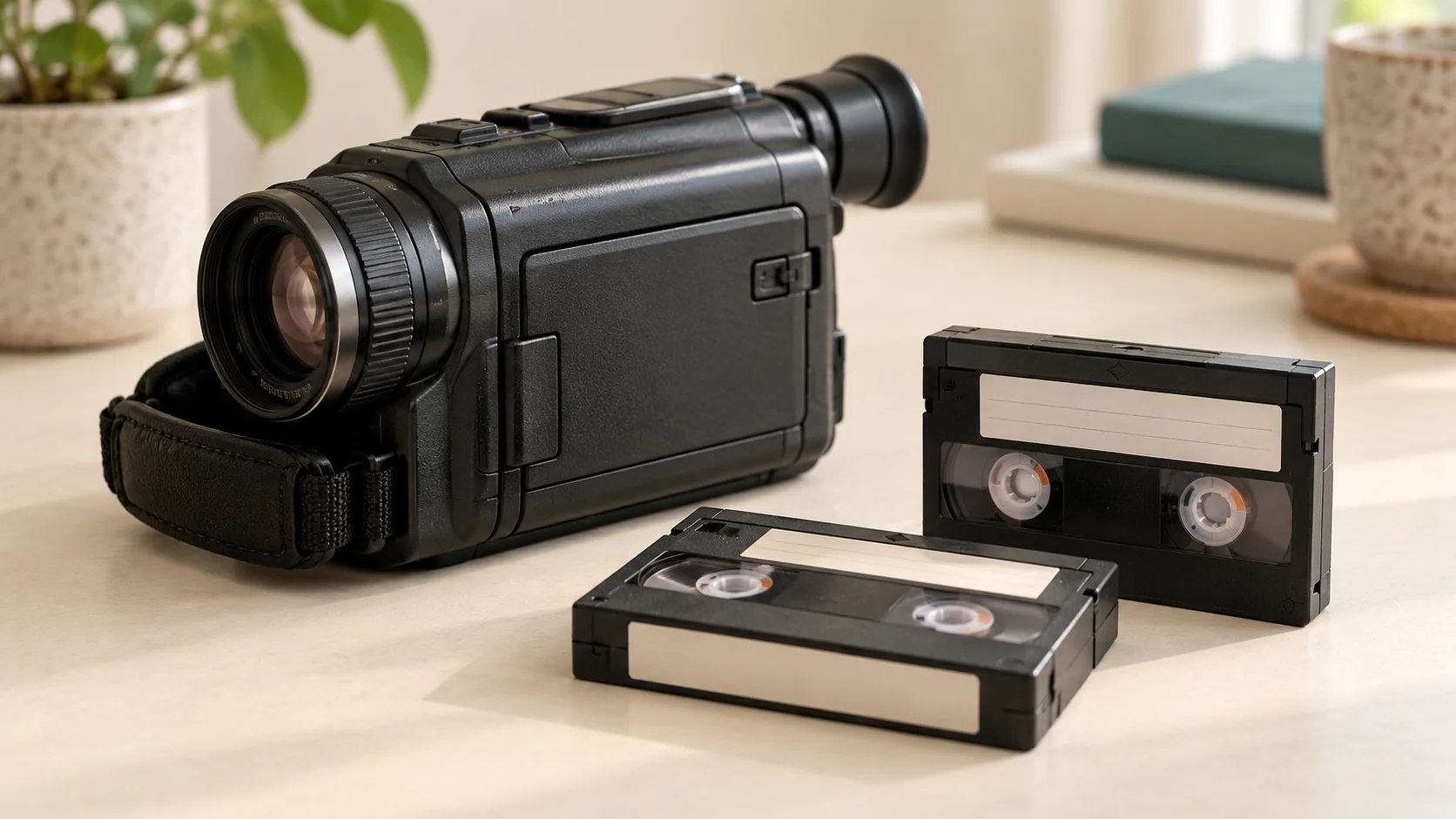
Full-size VHS and compact VHS-C tapes are different from MiniDV and Hi8 camcorder tapes. A VHS-C adapter does not make MiniDV or Hi8 tapes playable in a VHS recorder. If you are unsure, read our tape identification guide and tell us the markings you can see.
How do I watch the digital files afterwards?
First save your delivered files to a device with enough space and open a video to check playback. The viewing method depends on your device, the file format and the connections available.
- On a computer, open the saved file in a player that supports its format.
- On a phone or tablet, check storage space and video format support before copying a large collection.
- On a television, check the model’s manual for supported video files and USB storage. A USB socket does not guarantee that every video will play.
- For family members, share copies through a method you trust and check that the recipient can open them.
Tell us what you want to watch your videos on when you request a transfer. Digital download and an optional USB are available; delivery details and playback requirements are agreed before work starts.
What should I do before arranging a transfer?
Count the tapes, keep useful labels attached and note any damaged cases or unusual condition. You do not need to know every recording date. Keep your original tapes after conversion, and make a separate backup of the digital copies rather than relying on one USB or one computer.
Rewind Digital is based in Tadcaster, with local drop-off and return of originals by appointment. If you are coming from Wetherby, Boston Spa, York or a nearby village, wait for the agreed handover details before travelling. Build your estimate using your tape quantities and preferred delivery. We confirm format, condition, availability and the final quote before work begins.