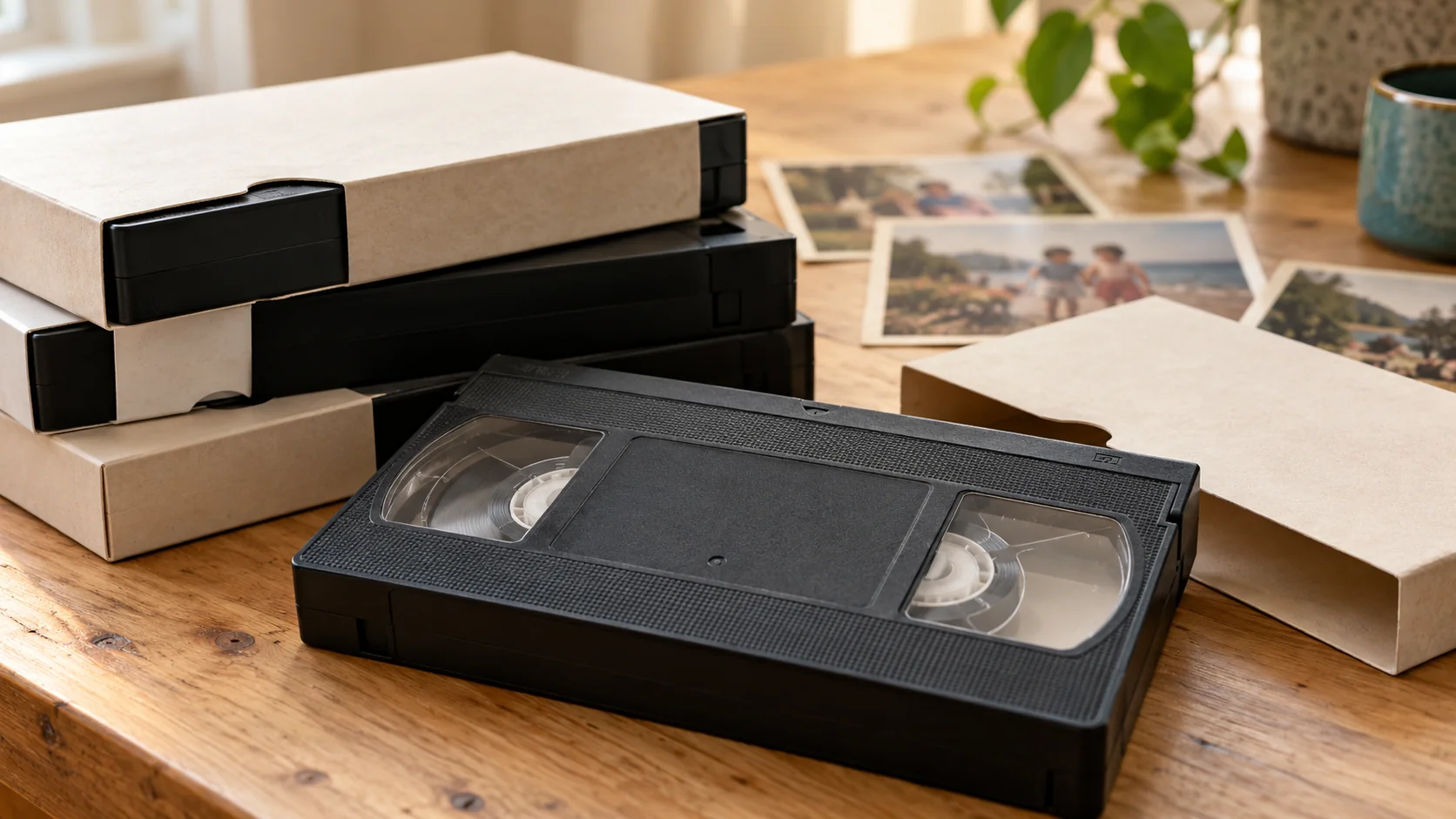
A converted home video can show a recent date because the digital file is new, even when its pictures were recorded decades ago. The date shown by your computer or photo library is not necessarily the date of the family event. Check which date you are looking at before changing anything.
Which date am I actually seeing?
There are three different things to distinguish:
- **The recording date:** when the original event was filmed.
- **The digital file’s dates:** information associated with creating or changing the file.
- **The library date:** the date an app uses to place the video in its timeline.
These can differ. For example, Synology documents that its Photos app can use upload or last-modified time when a file lacks sufficient date information. Other apps have their own rules; do not assume that a date displayed in one program proves when a tape was recorded.
A newly digitised VHS, VHS-C or Hi8 file therefore should not be dated from the computer’s “Created” field alone.
Can the camcorder tell me the original date?
Sometimes a compatible camcorder can display recording-date information during playback. Sony’s guidance distinguishes DISPLAY and DATA CODE controls, depending on the model, and notes that television display settings can matter.
However, seeing a date on a camcorder screen does not establish that the date will become the sorting date of a transferred video. Do not assume every tape contains usable date information or that an old camera’s clock was correct.
If dates matter, mention this before arranging a transfer and supply any camera model details you already have. Rewind Digital does not promise automatic recovery of recording dates.
How can I put the video in the right place in my library?
Start with one file rather than changing the whole collection:
1. **Keep an unchanged copy.** Make changes to a working copy or your library, not your only copy. 2. **Check the evidence.** Compare the cassette label, a date visible in the footage, family calendars or relatives’ recollections. Note disagreements. 3. **Record uncertainty clearly.** “Summer 1994 — approximate” is more useful than inventing a precise day. A tape containing several events may not have one meaningful recording date. 4. **Adjust the library date only when justified.** Apple Photos on Mac provides an Image > Adjust Date and Time command for photos and videos. 5. **Check another copy before sharing.** Do not assume an app’s adjustment travels with the exported file. Synology, for example, says its edited video dates stay in Photos rather than being written into the video’s metadata.
Keep a short accompanying note explaining which dates are confirmed and which are estimates. A sorting change is an organisational choice, not new evidence about the original event.
What should I mention before a local transfer?
For a VHS-to-digital enquiry, include any important label dates and say if your tapes contain several events. Rewind Digital is based in Tadcaster, with local drop-off and return of originals by appointment, and digital delivery by download or optional USB.
Check current prices and request an estimate. The form saves a request, not an online payment; the final quote and appointment are agreed before work starts.