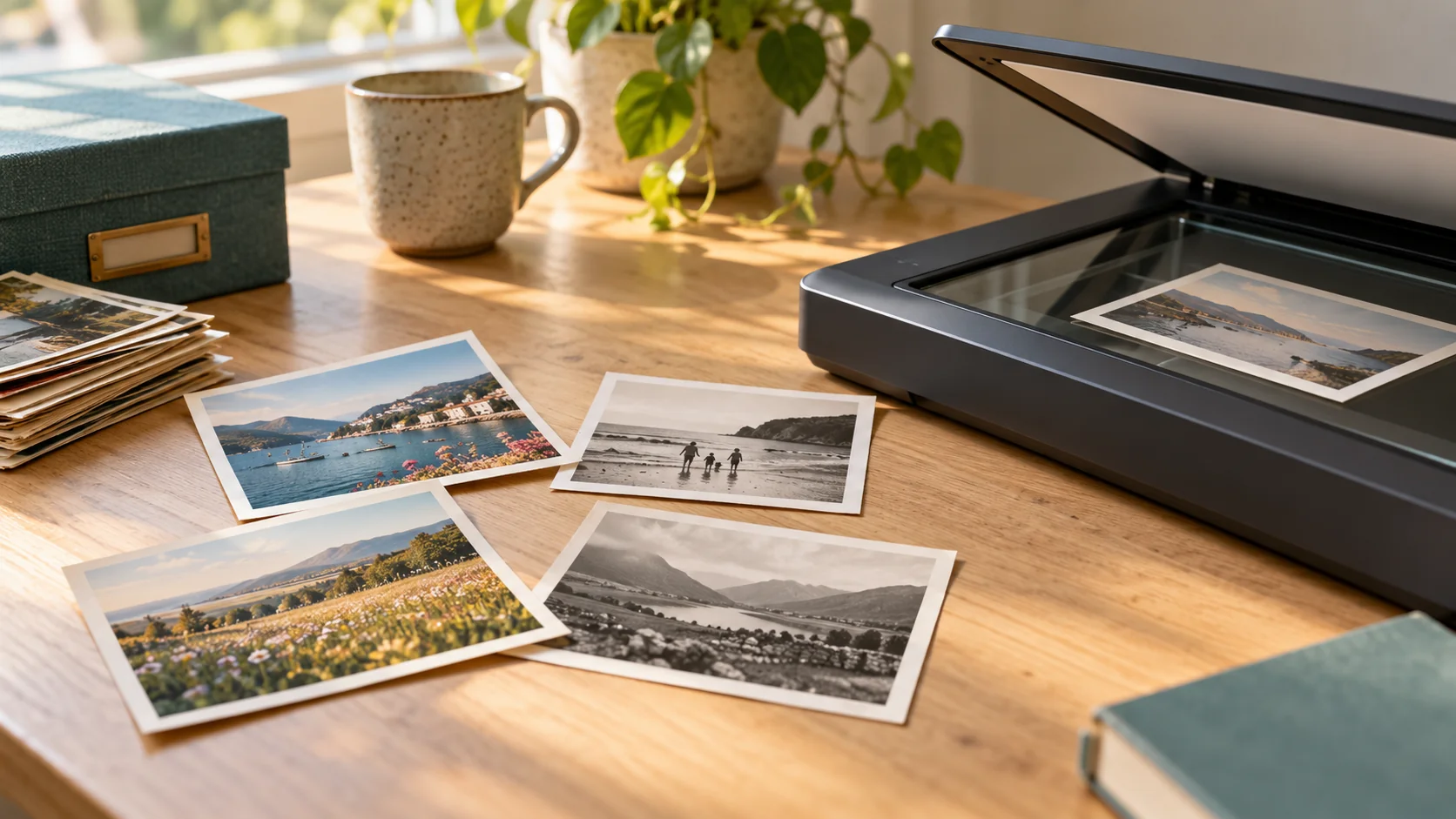
JPEG is usually the convenient choice for sharing scanned photographs, while an uncompressed or losslessly compressed TIFF can be useful as a master file for keeping and editing. You can keep both: a full-quality scan and a smaller sharing copy. Confirm the available file formats before booking; neither a filename nor a large file size guarantees a good scan.
What is the practical difference between JPEG and TIFF?
JPEG files, ending in .jpg or .jpeg, use lossy compression: some image information is discarded to reduce the file size. They are generally easier to send and store than comparable TIFF files.
TIFF files, ending in .tif or .tiff, offer different storage options. Adobe’s documentation includes uncompressed, LZW and ZIP lossless options, but also JPEG compression with some quality loss. “It is a TIFF” therefore does not automatically mean “it is lossless”—ask which settings are used.
For a family archive, think about two jobs:
- A master file: the best scan you keep unchanged as the starting point for future use.
- An access copy: a convenient version for sending to relatives, viewing or adding to a family project.
Does TIFF make a photograph sharper?
No. Changing a JPEG into a TIFF does not restore image information already discarded during JPEG compression.
The scan itself matters, including focus, captured detail and appropriate settings. The Library of Congress’s digital-photograph guidance favours the highest available resolution without rescaling or interpolation, and uncompressed data. It lists several formats, including TIFF and JPEG; the file extension is only part of the decision.
If your aim is a larger print, also read our guide to enlarging an old photograph after scanning.
Should I keep both versions?
If the scanning workflow offers them and you have suitable storage, keeping a lossless master alongside a JPEG sharing copy is a practical option, not a requirement for every family.
Use matching names, such as “Photo-001-master.tif” and “Photo-001-share.jpg”, so relatives’ names and dates stay connected to the correct image. Keep the master unchanged and make edits from a working copy. Back up your files separately; choosing TIFF is not itself a backup.
Already have JPEG scans? Keep those originals. Do not replace them with enlarged or converted versions under the assumption that a different format has improved them.
What should I ask before arranging photo scanning?
- Which file formats and compression settings are available?
- Can I keep a full-resolution copy as well as an easier-to-share version?
- Will the files open in the devices or software I intend to use?
- What does the agreed quote include?
Rewind Digital offers loose printed photograph scanning in Tadcaster. Specific file formats and scan settings should be agreed before work; this guide does not promise TIFF delivery as a standard option. Ask separately about albums, fragile prints, slides, negatives or restoration.
See current prices, then build an estimate and send your request. Local drop-off and return of originals are by appointment. The form saves a request, not an online payment; the final quote is agreed before work starts.