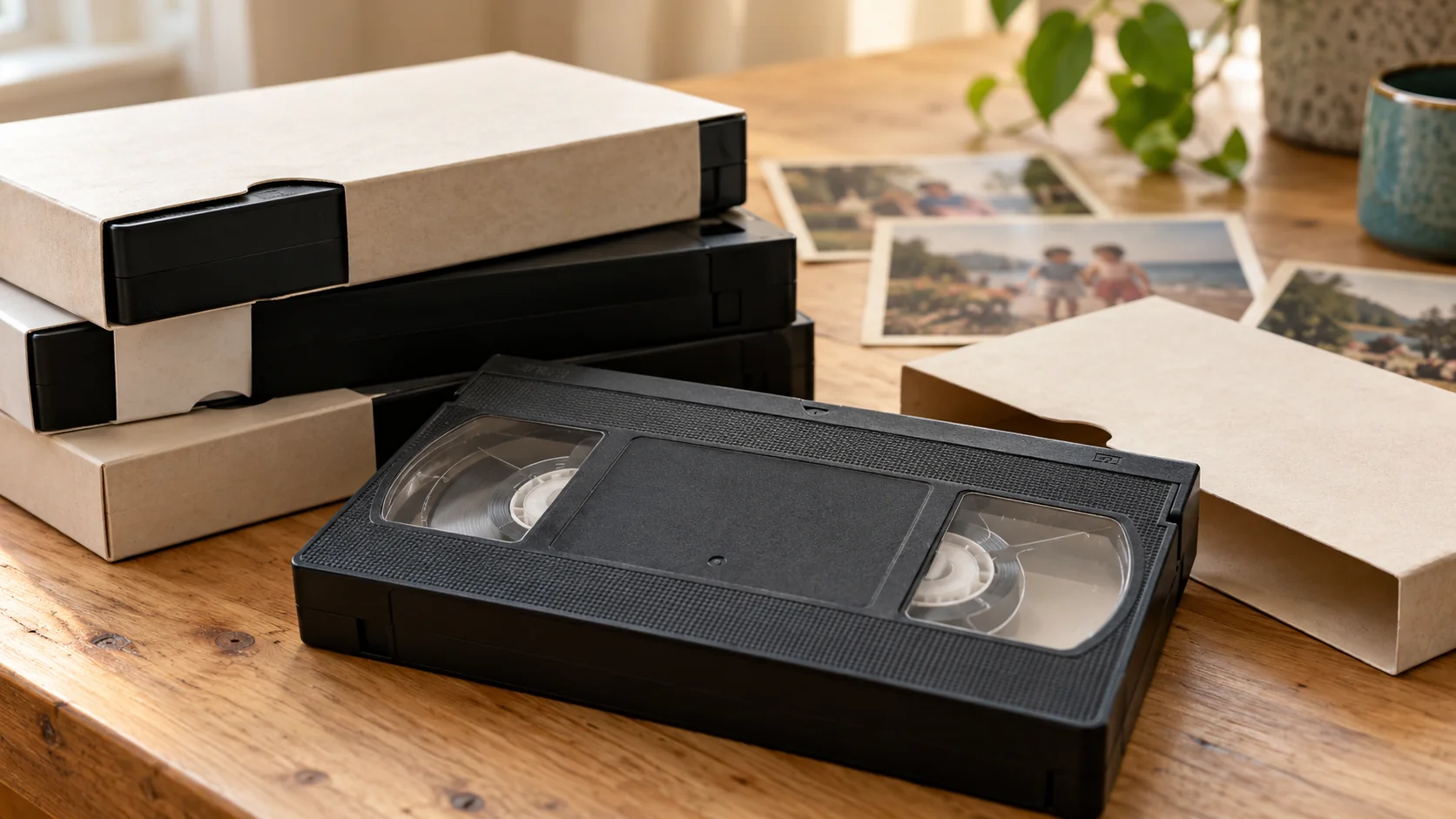
Start with a simple inventory, then organise the digital files by broad date or family event. Use consistent filenames that connect each file to its original cassette, and mark uncertain details as unknown rather than guessing. A small, repeatable system is more useful than an elaborate archive nobody understands.
What should I record before renaming anything?
Give every physical cassette a short reference such as `TAPE-001`, `TAPE-002` and so on. In a spreadsheet or plain text document, record:
- the reference number;
- the format shown on the cassette;
- every handwritten label exactly as it appears;
- any likely people, place or event;
- whether the date is confirmed, approximate or unknown;
- the matching digital filename.
Do not cover or remove an original label. If you are unsure whether a compact cassette is VHS-C, MiniDV or Hi8, use our tape identification guide before describing it.
What folder structure works for family videos?
Begin with a top-level folder such as `Family-Videos`. Inside it, use broad groups that will still make sense to someone else:
- `1980s`
- `1990s`
- `2000s`
- `Unknown-Date`
You can then add event folders, for example `1998-School-Play` or `Unknown-Date-Christmas`. The US National Archives recommends structured directories named with dates and events because they are easier to identify later.
Avoid too many nested folders. A video should be findable without clicking through a maze of names, people and locations.
How should I name each digital video file?
Use the same pattern for every file. A practical format is:
`YYYY-MM-DD_event_tape-reference_part-number.mp4`
For example:
- `1998-06-00_school-sports-day_TAPE-014_01.mp4`
- `unknown-date_christmas_TAPE-027_01.mp4`
- `2002-00-00_family-holiday_TAPE-031_02.mp4`
Only include details you can support. Use `00` for an unknown month or day, or write `unknown-date` when even the year is uncertain. Keep the tape reference in the name so the digital copy can always be traced back to its source.
Use letters, numbers, hyphens and underscores; avoid slashes, colons and other punctuation that may cause problems when files move between Windows, Mac computers, drives or cloud services. National Archives guidance also recommends descriptive, consistent and meaningful names.
How do I check the finished archive?
Open every file after renaming it. Check the beginning, a point in the middle and the end, listen for sound, and confirm that it still matches the inventory. Do not assume a file is safe merely because its name appears in a folder.
Then make backups. Keep the main organised folder plus copies on other storage, with at least one copy in a separate location. Our digital video backup guide gives a straightforward starting point.
Can Rewind Digital help me start the process?
Rewind Digital converts supported VHS, VHS-C, MiniDV and Hi8 tapes through local Tadcaster appointments, with originals returned at collection. See how the service works and current pricing, or build an estimate and send an order request. Format, condition, availability and the final quote are confirmed before work starts.