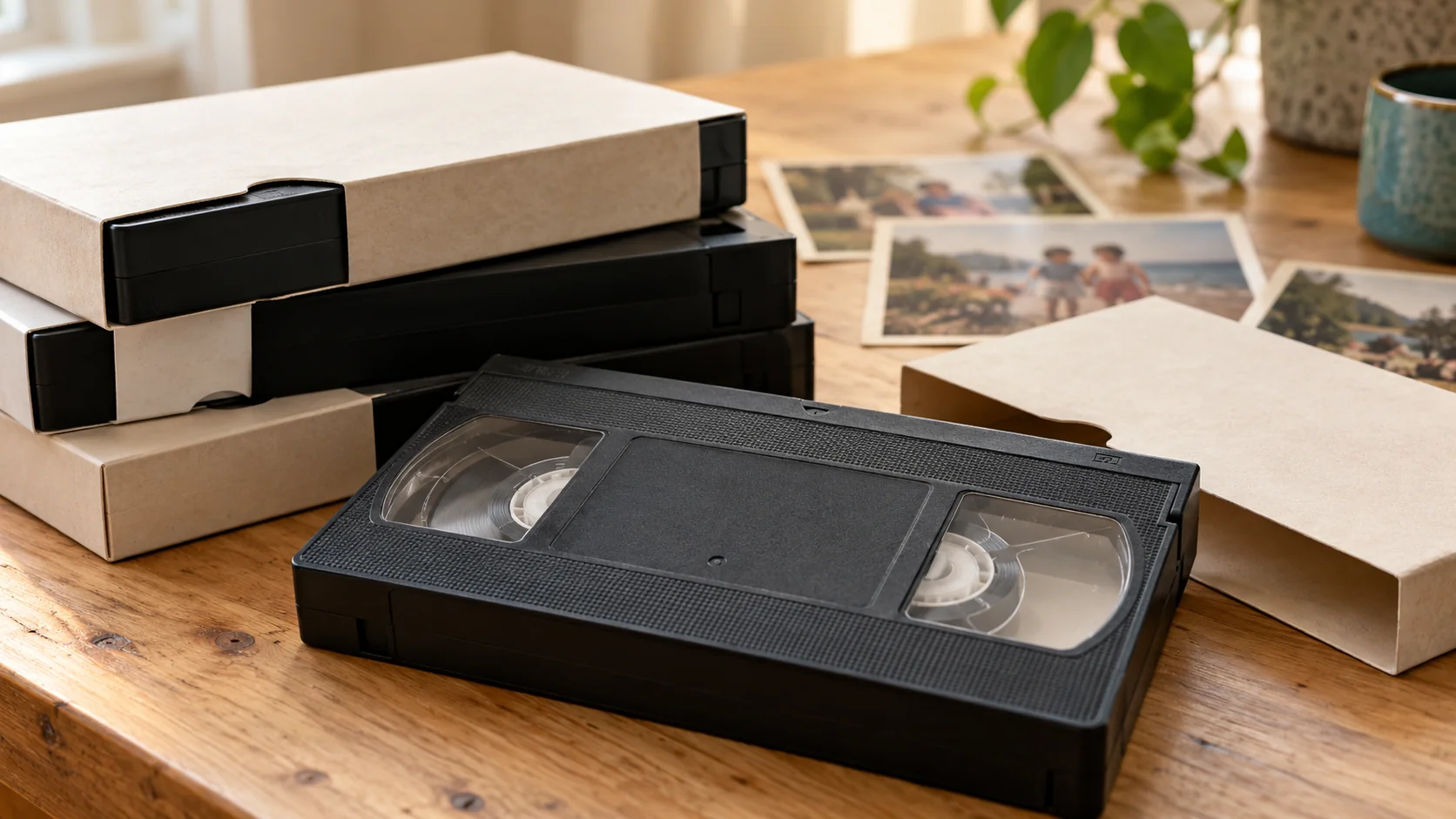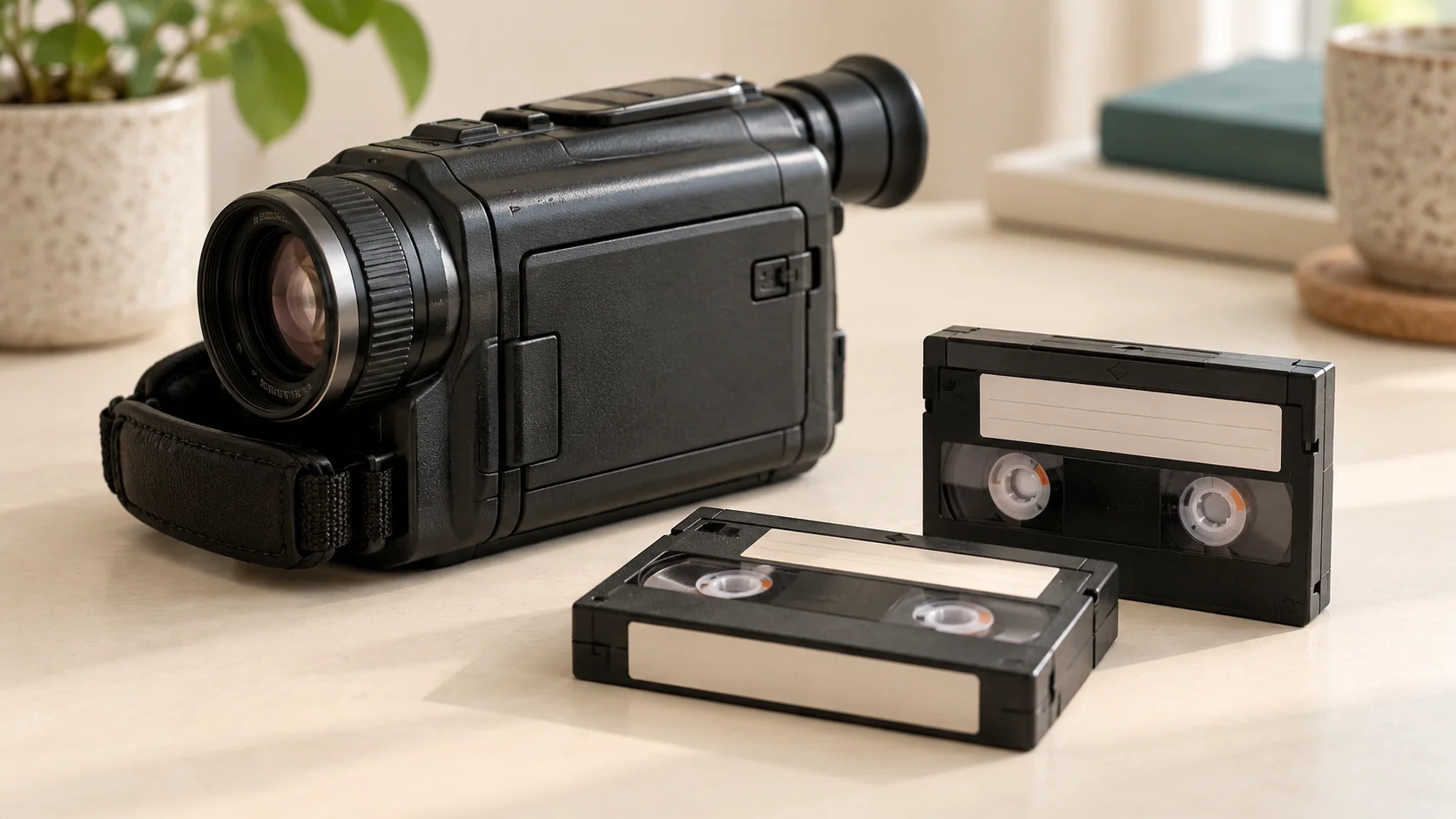
On a camcorder cassette marked REC/SAVE, REC permits recording and SAVE is the write-protected position intended to prevent accidental recording over existing footage. If you only want to watch or digitise family recordings, you do not need to enable recording on the original tape. Check the cassette’s markings and the correct equipment manual rather than guessing which direction to move its switch.
Does SAVE mean the recording has been backed up?
No. It is a physical recording-permission setting, not a command that creates another copy.
Sony’s operating guidance describes SAVE as preventing recording on the cassette. Canon’s ZR100 manual similarly explains its accidental-erasure tab, noting that the protected position is usually labelled SAVE or ERASE OFF.
Moving a switch does not tell you whether the tape contains footage, whether the pictures are readable or whether someone previously recorded over them. It also cannot undo an earlier recording.
What should I check before loading a family tape?
Make the checks outside the player first:
1. **Identify the cassette.** Read the format and any REC/SAVE or erase-protection markings. Our tape-identification guide can help distinguish similar-looking formats. 2. **Consult the matching manual.** Use its instructions for the cassette and camera you actually have. Do not copy a switch direction from an unrelated model. 3. **Use the protected position where clearly identified.** Do not force a stiff or broken switch; mention it when enquiring. 4. **Select playback, not recording.** Learn the player’s controls before inserting an irreplaceable original. Never press Record as a way to test whether old footage is present.
A recording-protection warning is not a reason to defeat the switch when your aim is simply to preserve existing material.
Is the protection the same on VHS?
Not exactly. Full-size VHS cassettes have a break-off write-protection tab rather than the same reusable REC/SAVE arrangement.
The Canadian Conservation Institute recommends removing an intact VHS tab to prevent accidental erasure during use. Because this physically changes the cassette, identify the correct tab from authoritative instructions first. If you are uncertain, leave it alone and ask for help; do not break off unidentified parts or dismantle the shell.
Do not assume a small VHS-C cassette uses the same arrangement as full-size VHS.
Does write protection make any tape safe to play?
No. It addresses accidental recording, not mechanical damage or deterioration.
A protected tape still needs suitable, well-maintained playback equipment. The Canadian Conservation Institute warns that problematic playback can damage recordings and advises stopping when the mechanism strains, makes unusual noises or the image progressively worsens. Do not test-play a visibly damaged or suspect tape just because it is set to SAVE.
What should I mention when arranging conversion?
For a Hi8-to-digital enquiry, include the cassette format, quantity and any damaged or unclear protection switches. Rewind Digital also supports VHS, VHS-C and MiniDV; specialist repair or recovery requires separate confirmation.
Check current prices and request an estimate. Drop-off and return of originals are by appointment in Tadcaster, with download or optional USB delivery. The form saves a request, not an online payment; condition, availability and the final quote are agreed before work starts.