Do not scrub, wet-clean or try to remove stains from old photographs simply to prepare them for scanning. Start by noting their condition and asking about anything concerning. Loose dust and an attached mark are different problems; preserving the original matters more than making it look spotless before an enquiry.
Why should I avoid water and household cleaners?
The US National Archives warns that heat, water and solvents can permanently damage photographs. Water can soften the image-bearing layer, while solvents and household cleaning products can harm the picture.
Do not treat a family print like a washable household surface. Avoid damp cloths, cleaning sprays and attempts to dissolve sticky marks. If a photograph needs treatment, a photograph conservator can assess its materials and condition.
This advice is about preparing dry prints for scanning, not emergency treatment of photographs that are already wet or flood-damaged. Those need specific advice.
Can I just brush dust off?
Be cautious. National Archives guidance permits light dust removal with a clean, soft brush for suitable photographs, but specifically excludes torn prints, cracked or lifting image layers, and highly significant photographs. The Library of Congress also warns that even soft brushes can scratch photographs and leaves more direct surface cleaning to trained professionals.
The practical lesson is not to apply one cleaning routine to an unidentified box of prints. Do not use canned air: both institutions warn against it. If you are unsure whether material is loose dust, part of the image, or a damaged surface, leave it in place and ask first.
Which photographs should I leave alone?
Pause before handling or cleaning a print that has:
- Tears, brittle areas or a surface that appears cracked, peeling or lifting.
- Material stuck to the picture, or a photograph stuck to another print, backing or album page.
- Dampness, suspect mould or a history of water damage.
- Particularly important, irreplaceable content where a handling mistake would matter greatly.
Describe the concern before bringing it in. Do not pull stuck prints apart or try to turn an album photograph into a loose print. Our guide to photographs stuck in albums covers that separate question.
What can I do to prepare a straightforward batch?
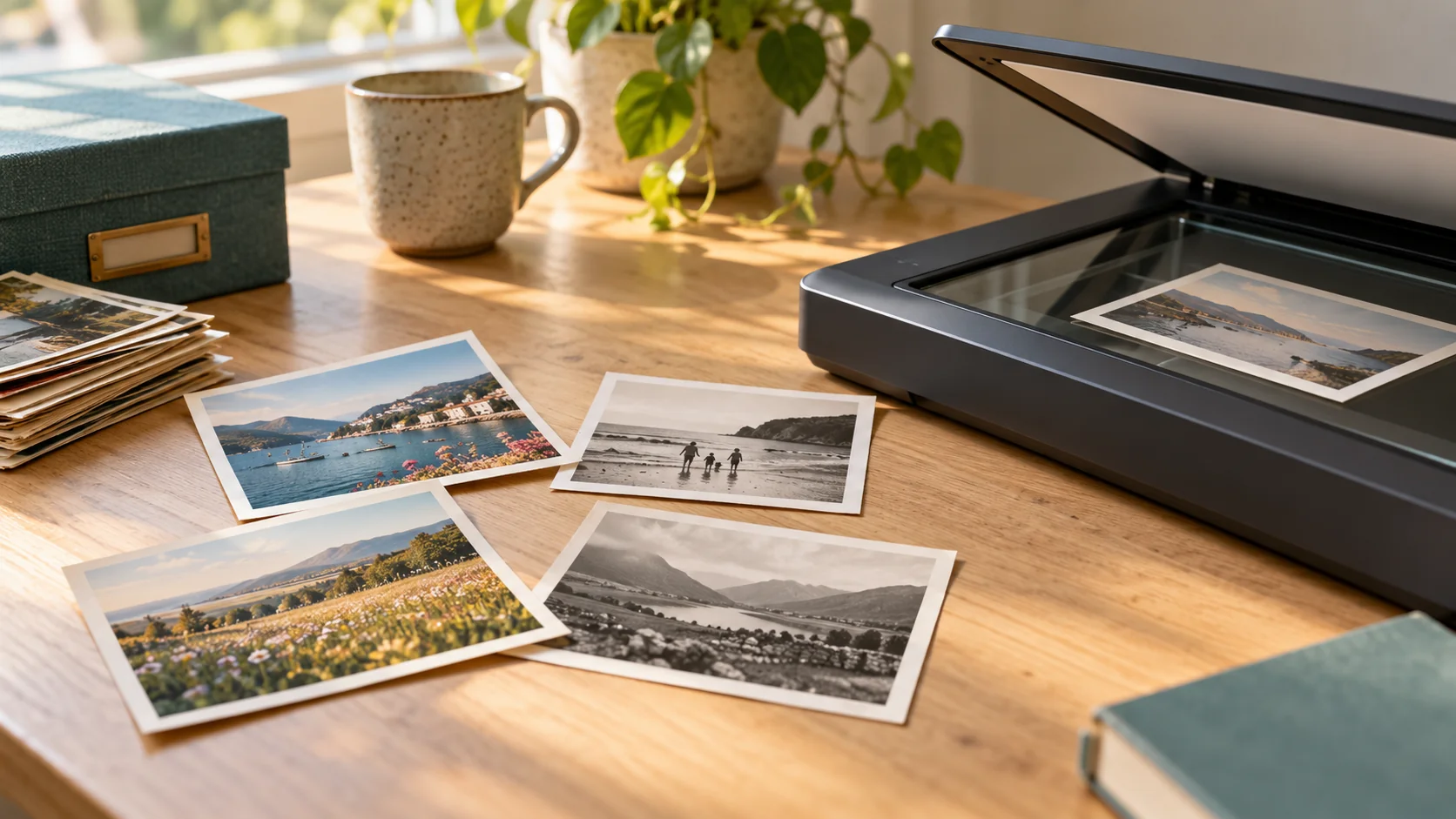
Keep clean, dry, loose prints in their existing useful groups. Count them, note approximate sizes and write any instructions on separate batch notes. Handle prints by their edges with support underneath, rather than pressing fingers onto the picture.
For the rest of the planning, see how to prepare family photographs for scanning.
Will scanning remove marks anyway?
Scanning makes a digital copy; it does not automatically include stain removal, retouching or restoration. Tell us whether your priority is recording the print as it is or discussing changes to the digital image. Restoration and conservation work are not included as standard services.
Rewind Digital offers loose printed photograph scanning in Tadcaster, with local drop-off and return of originals by appointment. Fragile prints, albums, negatives and slides require a separate discussion.
See current prices, then build an estimate and send a request, mentioning condition concerns. The final quote and appointment are agreed before work starts; the form does not take online payment.