An LP-mode MiniDV recording may be transferable, but playback compatibility needs checking before anyone promises a complete digital copy. Tell the transfer service that LP was used, if you know, and whether the original camcorder is still available. A cassette fitting into another camera does not by itself confirm that the recording will play correctly.
What does LP mean on a MiniDV recording?
LP means Long Play; SP means Standard Play. Sony’s DV recording guidance says LP allows 1.5 times the recording duration of SP on the same tape. It is a recording setting, not a separate cassette size.
That extra duration is not proof of how much family footage is actually present. If you do not know the mode or running time, say “unknown” in your enquiry rather than guessing from the cassette label.
Why might it play badly in another camcorder?
Sony warns that LP recordings played on other cameras or video recorders can show mosaic-like picture noise or interrupted sound. It also warns of picture or time-code problems around scene changes when SP and LP recordings are mixed on one tape.
The practical implication is that a poor result on one machine is a reason to investigate playback compatibility, not an automatic diagnosis that every recording is lost. Nor is LP the only possible explanation for a playback problem.
Does the original camera help?
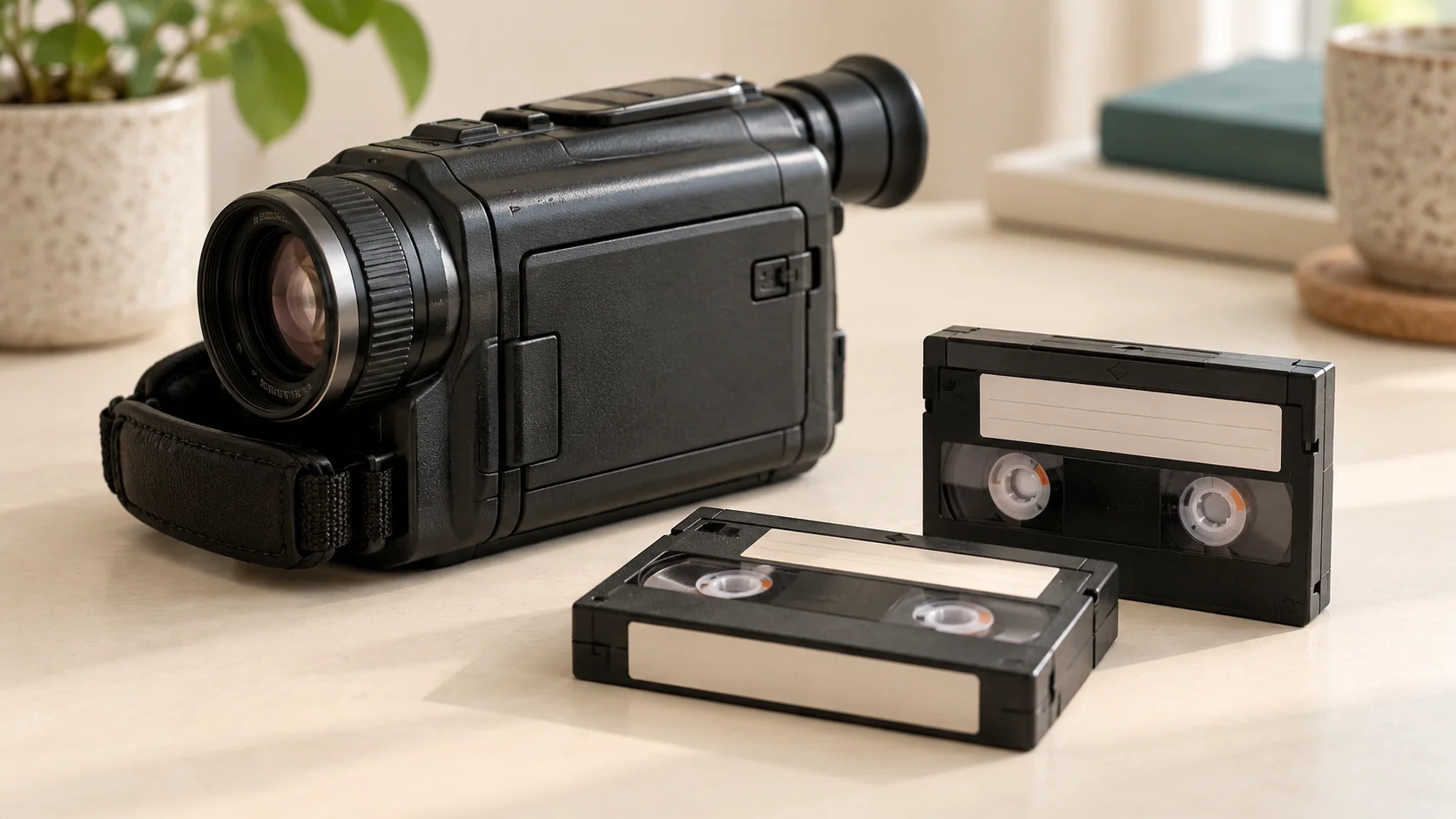
Sony’s DCR-TRV19/TRV22/TRV33 operating instructions recommend playing LP recordings back on the camcorder used to record them. If you still have it, note its full model number and whether it has worked recently.
Ask whether the camera would be useful before bringing it to an appointment. Do not assume it must be supplied, that it is safe to run after years in storage, or that its presence guarantees a successful transfer.
If the camera is gone, you can still make an enquiry. Explain that clearly so the playback requirements can be discussed.
What should I include in the request?
- The number of MiniDV tapes and clear photographs of their labels.
- Any known LP recordings, or tapes believed to mix SP and LP scenes.
- The original camera model, if known, and whether it is available.
- What happened during any previous playback: blocky picture, missing sound, or problems at particular points.
- Any visible damage, dirt, damp or suspect mould; ask for advice before further playback.
- Your preferred digital delivery and any important deadline.
Keep this information linked to individual tapes. Our MiniDV enquiry checklist can help organise a mixed box without losing those details.
How do I arrange a transfer with Rewind Digital?
See our MiniDV-to-digital service and current prices, then build an estimate and send your request. Mention LP in the request: compatibility, recording length, condition, availability and the final quote are agreed before work, rather than assumed from the online estimate.
We are based in Tadcaster, with local drop-off and return of originals by appointment, and delivery by download or optional USB. The form does not take online payment. Specialist recovery, repairs and HDV recordings require separate confirmation.