You can crop a digital copy for a cleaner-looking display, but our practical recommendation is to keep a complete scan of the print first, including its original border. Make a separate cropped version for sharing or a particular project. Do not cut the paper photograph to achieve the same result.
Why keep the border in at least one copy?
A border may contain a handwritten caption, a printed date or a distinctive edge you want to remember. Even when it appears blank, keeping a complete scan leaves you the choice of a different crop later.
Before removing anything from a digital image, check all four edges. Is there a tiny part of a person, a building or a note that the crop would lose? “Remove the white border” and “crop tightly around the people” are different instructions.
This is a suggested family-archive workflow, not a claim that every photograph must be displayed with its border.
Should I trim the original print before scanning?
No. US National Archives preservation guidance advises against cutting or trimming original photographs or removing them from their mounts. Digital cropping and physically altering a print are not equivalent.
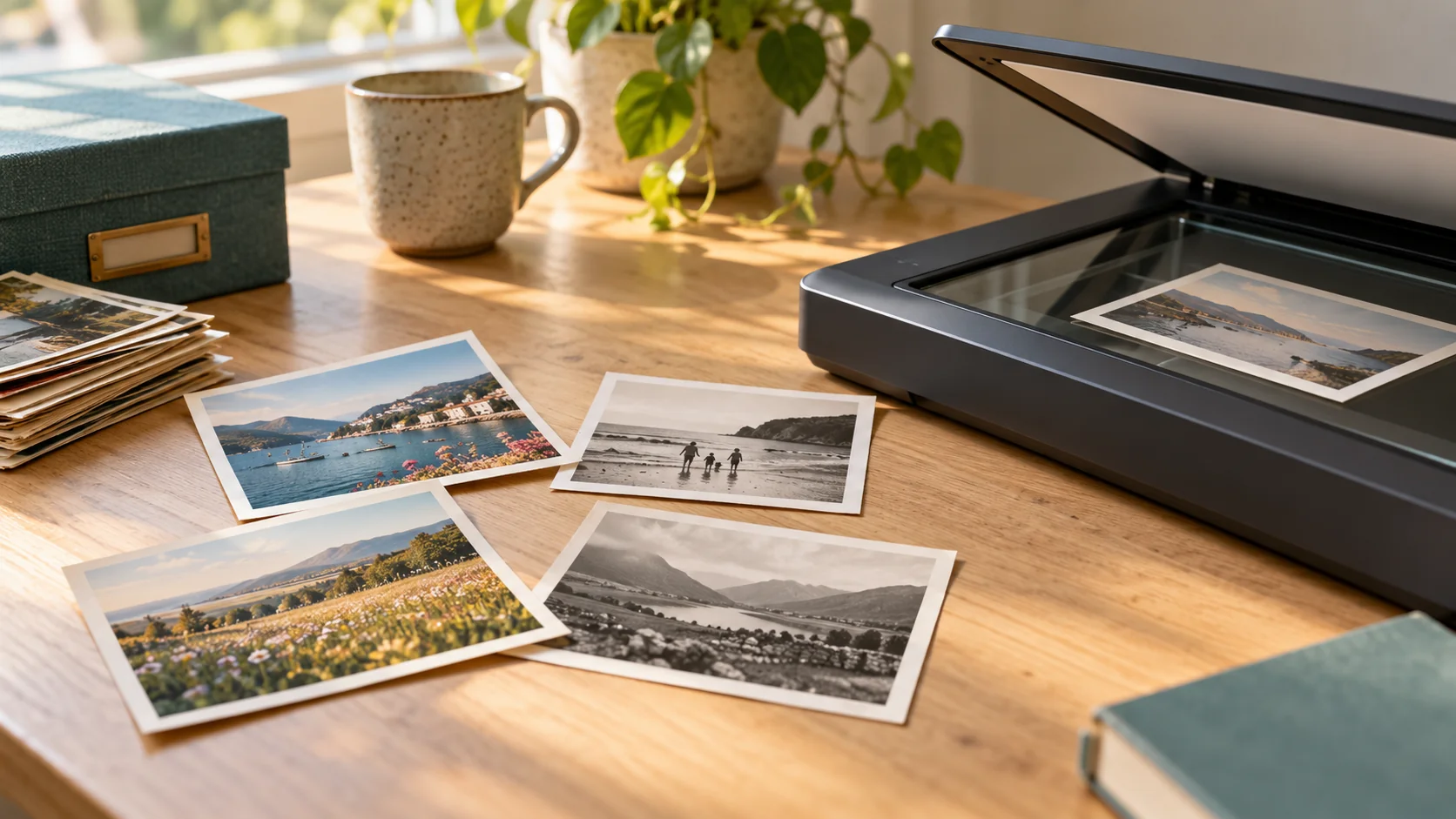
If scanning at home, make sure the entire print fits on the scanner surface. The National Archives warns that an ill-fitting original can be creased or crushed by the scanner lid. Ask first about oversized, mounted, fragile or stuck prints rather than cutting them down to fit.
How can I keep a full scan and a cropped version?
Use a simple two-copy approach:
- Keep the received, uncropped scan unchanged.
- Make a working copy before adjusting the framing.
- Crop that copy to suit the intended use.
- Save it under a distinct name, such as “Photo-014-share”, alongside “Photo-014-full”.
- Check both files open and keep a separate backup.
Some photo libraries preserve edits reversibly, but do not assume every image editor does. Apple’s Photos guidance, for example, explains that it keeps the original and recommends duplicating a photo when you want a different version. That is a feature of the application, not a guarantee about every exported file.
What if I want a new print or a slideshow?
Choose the framing for that particular use after keeping your complete scan. Check the final preview so important details are not cut off. A crop suited to one layout may not suit another.
If the back contains names or dates, a complete front scan will not preserve those automatically. See our separate guide to scanning the backs of family photographs.
What should I request from Rewind Digital?
For our loose printed photograph scanning service, tell us whether keeping the full print and border matters, and how you intend to use the files. Ask whether any additional cropped versions can be provided and what the quote would include; do not assume retouching or restoration is standard.
We are based in Tadcaster, with local drop-off and return of originals by appointment. See current prices, then build an estimate and send a request. Scanning requirements and the final quote are agreed before work; the form does not take payment online.