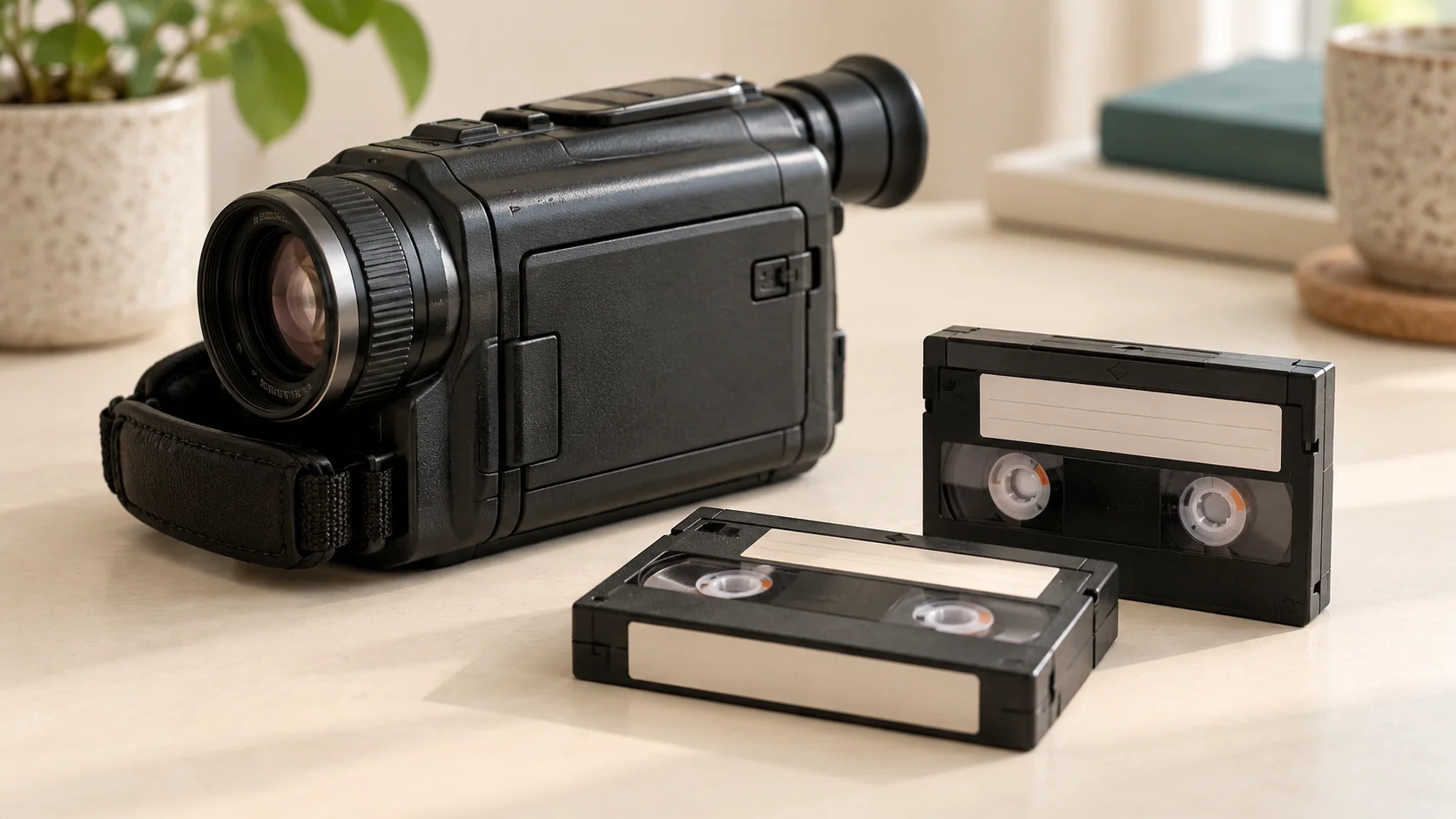
No. MiniDV is a small tape cassette, while the “mini DVD” used by some camcorders is a small optical disc, commonly 8 cm across. They are not interchangeable. Before choosing playback equipment or requesting a transfer, check whether your recording is on a rectangular cassette or a round disc—not just whether the family called it a “little video”.
How can I tell which one I have?
Look at the recording medium itself, without opening a cassette or forcing anything out of a camera:
- MiniDV: a rectangular plastic cassette containing tape. Look for the MiniDV name or logo.
- Mini DVD: a small round disc with a centre hole. Copy the exact markings, such as DVD-R or DVD-RW, into your notes.
- Something else: a memory card, larger cassette or different label needs its own identification.
The camera’s brand alone is not enough. Keep its full model number with your notes if it is available. If you have several types, count the tapes and discs separately.
For other small cassettes, see our guide to identifying VHS-C, MiniDV and Hi8.
Can a DVD player play a MiniDV tape?
No. MiniDV needs compatible tape playback equipment; it cannot be inserted into a DVD player. Sony’s tape-compatibility guidance lists MiniDV separately from other tape formats.
The reverse distinction matters too: a DVD camcorder disc is not something a MiniDV cassette mechanism can read. A similar name does not mean a cable or adaptor makes the media interchangeable.
Will a small camcorder DVD play in any DVD drive?
Do not assume so. Sony explains that camcorder DVD playback depends on the disc format, recording mode, compatible equipment and, in some cases, whether the disc was finalised in the camcorder.
Its guidance also warns that AVCHD recordings on DVD media should not be put into standard DVD players or recorders because the disc may not eject and its contents may be erased. Check the camera and player documentation before attempting playback; do not try equipment at random.
This is an identification guide, not a recommendation to finalise, erase or reformat a family recording.
What should I send with a transfer enquiry?
Photograph the cassette or disc label and note:
- The exact format markings and quantity of each type.
- The original camera model, if known.
- Any previous playback result, visible damage or suspected damp.
- Which family events matter most and any deadline.
If you are unsure, describe the item rather than selecting the nearest-sounding format in the calculator.
Which option should I choose at Rewind Digital?
Our MiniDV-to-digital service is for supported tape recordings. Mini DVD disc transfer is not a confirmed standard service: ask separately before including discs or treating them as MiniDV in an estimate. HDV and other specialist recording formats also need separate confirmation.
For supported tapes, see current prices and build an estimate and send a request. We are based in Tadcaster, with local drop-off and return of originals by appointment, and download or optional USB delivery. The final quote is agreed before work; the form does not take payment online.